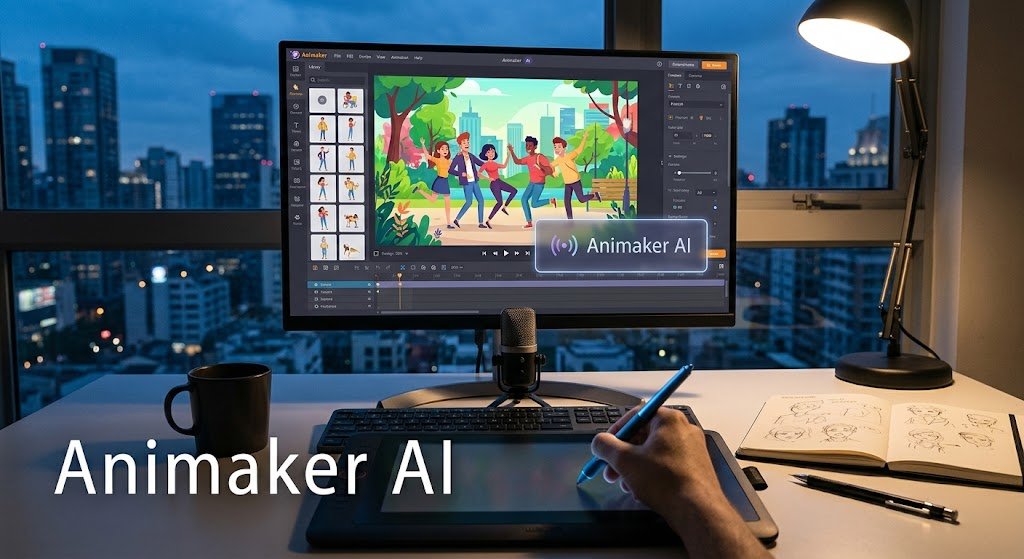
Animaker AI is a generative video tool that turns text prompts into animated videos automatically. It handles script writing, character selection, voiceover, and music in one automated workflow, generating a complete animated video in under a minute. The platform suits beginners and educators who need quick explainer or training content without animation skills, though credit limits and performance issues affect heavier users.
At-a-Glance
- What it is: A prompt-to-video generator within the broader Animaker animation platform
- Core capability: Generates script, scenes, characters, voiceover, and music from a single prompt
- Speed claim: Animaker states videos generate in under 60 seconds
- Key strength: Clarifying Q&A step before rendering improves output relevance
- Pricing reality: Free tier is limited; AI generation quickly hits paywalls
- Main limitation: Performance lag on longer videos and limited niche templates
What Is Animaker AI?
Animaker AI is the generative video component of Animaker, a long-standing online animation platform. The core product launched over a year ago and has since generated more than 100,000 AI-powered animations according to company data .
The tool addresses a specific problem: animated video production traditionally requires scripting, storyboarding, character design, and editing skills. Animaker AI attempts to collapse that workflow into a single prompt.
Unlike general AI video generators that assemble stock footage, Animaker AI focuses on animated content. It generates cartoon-style or 3D animations rather than photorealistic clips. This distinction matters for users expecting cinematic realism.
Animaker AI vs. Traditional Animaker
How Animaker AI 2.0 Works
The 2.0 version, released in late 2026, removed several manual steps that existed in the first iteration. Users no longer need to select language, style, or voice manually .
The workflow follows five steps.
Step 1: Select a category. Users choose from explainer videos, training videos, promo videos, or personal videos. Each category contains sub-types. For example, training videos include informational training, process training, and course recaps .
Step 2: Enter a prompt. The prompt describes the video content. Animaker provides sample prompts for users who need guidance. The AI detects the prompt language automatically and generates the video in that language .
Step 3: Review AI-generated Q&A. This is the most distinctive feature. The AI analyzes the prompt and generates clarifying questions with proposed answers. Users can refine these answers before proceeding. This step aims to improve script relevance before rendering begins .
Step 4: Add optional branding. Users can upload testimonials and brand logos. Both steps are skippable .
Step 5: Generate and edit. The AI produces the video. Users can download immediately or open it in Animaker’s advanced editor for manual adjustments .
Under the Hood
Animaker AI 2.0 selects from 25+ video types, 100+ video designs, 2,000+ AI voiceovers, and 10,000+ music tracks . The platform does not publicly disclose which underlying language models power the text generation or which TTS engines produce the voiceovers. This lack of model transparency is common among wrapper-style AI video tools, but it limits users’ ability to assess output quality consistency.
Key Features
Clarifying Q&A Before Render
Most AI video tools go straight from prompt to output. Animaker AI inserts a validation step. The AI formulates questions based on the prompt and prefills answers. Users can correct misunderstandings before spending credits on a render .
Parallel Asset Selection
The AI handles multiple creative decisions simultaneously: template mapping, character selection, background music, and scene assembly. This parallel processing contributes to the sub-minute generation claim .
AI Image-to-Video Generator
Beyond prompt-based generation, Animaker offers an image-to-video tool. Users upload a static image and describe the motion they want. The AI generates realistic movement based on natural language instructions .
AI Infographics Video Maker
A separate tool converts CSV data into infographic videos. Users describe the report and upload data; the AI generates charts, maps, and animated infographics automatically .
AI Translation and Dubbing
Animaker supports translating generated videos into 100+ languages and offers 1,800+ realistic voices across 200+ languages for dubbing .
Main Use Cases
Explainer Videos
Product explainers, service explainers, and general explainers are core categories. The AI selects industry-appropriate characters and templates .
Training and E-Learning
Educational institutions and corporate training teams use Animaker AI for onboarding modules, course overviews, and process training videos. Gartner reviews highlight education and e-learning as the most common industry among Animaker users .
Marketing and Promotions
Product launch videos, seasonal promos, and social media content generation. The AI adapts output for different aspect ratios .
Personal Videos
Wishes, invitations, and personal messages represent a lighter use case for casual creators .
Pricing and Real Costs
Animaker’s pricing has shifted over time, and published rates vary across sources. Users should verify the live price at checkout before subscribing.
The free tier’s three-download limit makes it a trial rather than a production tool. AI generation consumes credits or requires a paid plan; the free tier will not complete a substantial project . One reviewer noted that pricing discrepancies exist across Animaker’s own pages, a concern for buyers comparing plans .
Limitations and User-Reported Issues
Performance Lag
Multiple Gartner reviews cite performance problems. The platform can lag or slow down when editing lengthy or complex videos, particularly on older or low-spec devices .
Limited Niche Templates
Reviewers note the absence of role-specific or industry-specific templates. Users often need manual customization to fit their brand or sector .
Cartoon Aesthetic
Animaker’s animation style leans toward a specific cartoon appearance. Reviewers note this may not suit every context, and the style is less customizable for advanced users who need a distinct look .
Not for Long-Form Video
User reviews explicitly warn against using Animaker for videos over 10 minutes. Editing capability degrades with length .
Customer Support Response
Some reviewers describe support response times as slow, which can impact problem resolution during critical projects .
Animaker AI vs. Alternatives
Synthesia and HeyGen excel at presenter-style videos with realistic avatars. Animaker competes on animation, not realism. InVideo produces stock-footage drafts, not animated content. Vyond offers more creative control but at significantly higher cost and complexity .
Who Should Use Animaker AI
Good fit:
- Educators and trainers creating short instructional videos
- Small business owners producing promotional content without design skills
- Social media creators who need quick animated content
- HR teams building onboarding and internal communication materials
Poor fit:
- Professional studios requiring advanced editing control
- Users who need photorealistic AI avatars
- Anyone producing long-form video over 10 minutes
- Teams needing guaranteed performance on low-spec hardware
Frequently Asked Questions
Is Animaker AI free to use?
Animaker offers a free tier, but AI generation consumes credits or requires a paid plan. The free version limits downloads to three per month, which is insufficient for production use . Users typically need a paid subscription to generate multiple AI videos.
How long does Animaker AI take to generate a video?
Animaker states that AI 2.0 generates videos in under 60 seconds . Actual time depends on video length and complexity. User reports describe generation as fast but note platform lag during editing sessions .
Can I edit Animaker AI videos after generation?
Yes. Every generated video can be opened in Animaker’s advanced editor for manual adjustments. Users can modify characters, text, music, scene timing, and other elements .
Does Animaker AI support multiple languages?
Yes. The AI detects the prompt language and generates the video in that language automatically. Animaker also offers AI translation for 100+ languages and voiceover support for 200+ languages .
What are the main limitations of Animaker AI?
Users report performance lag on longer or complex videos, limited niche-specific templates, and a cartoon aesthetic that may not fit all contexts. The free tier is restrictive for real projects, and 4K export requires higher-tier plans .
Conclusion
Animaker AI is a prompt-to-animation tool built for accessibility. It handles the hard parts of animated video production: script generation, asset selection, voiceover, and music. The clarifying Q&A step before rendering is a genuine improvement over many competitors, reducing the gap between what users describe and what they get.
The platform suits beginners, educators, and small teams producing short animated content. It does not suit users who need photorealistic avatars, professional-grade editing control, or long-form video. Performance issues and limited niche templates are real constraints that reviewers consistently mention.
Before subscribing, test the free tier to evaluate output style and workflow fit. Verify the current pricing at checkout, as published rates vary across Animaker’s own pages. Consider whether your content requires animation or whether an avatar-based tool like Synthesia would serve you better. Animaker AI is a solid option for its specific niche, not a universal solution.